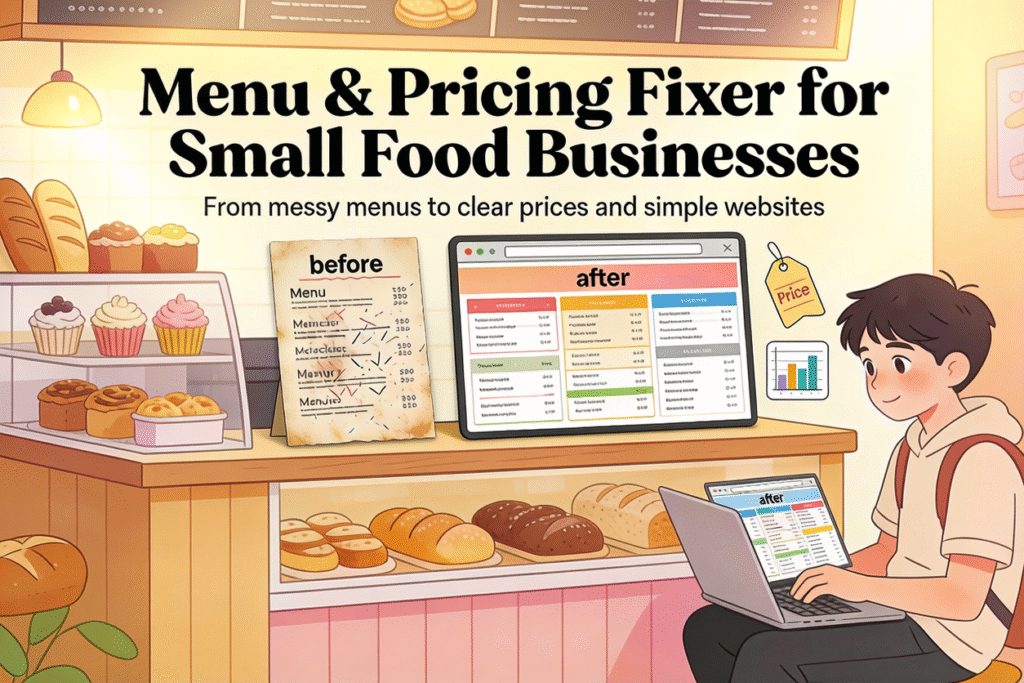
A Menu & Pricing Fixer helps small bakeries and food businesses clean up their menus and prices, then presents everything on a simple website that owners can understand and use.
Step 1: Understand the service
You offer one clear outcome: a cleaner menu and smarter pricing for small food businesses.
You’ll deliver three things: a redesigned menu file, a basic pricing sheet, and a simple one‑page website explaining their offers.
Step 2: Tools to learn
- Menu design: Canva (free, tons of menu templates, easy drag‑and‑drop).
- Menu‑specific tools (optional): iMenuPro, Lisi, or similar menu makers for faster, print‑ready menus.
- Website builder: Wix, Squarespace, or another no‑code builder made for beginners.
Start with Canva + one website builder and ignore everything else at first.
Step 3: Website you need to create (for your service)
Create a simple 3–4 page site for your freelancing offer:
- Home: Who you help (“small bakeries & food businesses”) and what result you create (“clear menus and profitable prices”).
- Services: Describe your package (menu cleanup, pricing review, simple pricing rules, and delivery format).
- Portfolio: Before/after screenshots of menus (even mock ones at first).
- Contact: Simple form or email + social links.
Use a no‑code builder template and swap in your text and images.
Step 4: Basic process for client projects
- Ask for their current menu (photo, PDF, or text) and top 10 items.
- Ask rough ingredient costs and time for a few main products.
- Use Canva to redesign the menu: clearer sections, fewer duplicates, better names.
- Adjust prices based on costs and a target profit margin, plus simple rules (“custom cakes start at…”, “rush fee is…”).
- Export the menu (PDF/PNG) and put the key info on a simple “Menu & Pricing” page on their site.
Step 5: How to get first clients
- Walk into local bakeries or cafés, compliment something specific, and ask: “Can I quickly audit your menu and show you 2 changes that could raise your average order?”
- DM small food businesses on Instagram with a screenshot mockup of a cleaner version of one section of their menu and offer a small paid “Mini Menu Makeover.”
Example: One crash‑course project
You find a cupcake shop whose menu is a long text list on Instagram. You grab their items, drop them into a Canva menu template, group flavors into Classic, Premium, and Seasonal, and round their prices into simple tiers.
Then you build a one‑page Wix or Squarespace site that shows the new menu, custom order starting prices, and a simple “How to order” section, and you deliver all of this as your first real “Menu & Pricing Fixer” project.